Ever wondered if you could describe a song and have AI make it? It sounds like science fiction, but it’s totally possible now. You can actually get AI to whip up music based on what you tell it. This is a game-changer for creators, musicians, or anyone who just wants to mess around with making tunes. We’re going to look at some of the coolest platforms out there that let you describe a song and AI makes it, turning your ideas into actual music.
Key Takeaways
- Creatus AI is unique because it can generate a song from text and then turn that audio into a music video, all in one place.
- Suno and Udio are top choices if you just want to create songs from text prompts, but you’ll need a separate tool for video.
- Platforms like TopMediai and Vidnoz focus on creating music videos from photos or audio, often with pre-set styles.
- MakeSong and MusicCreator.ai offer ways to make songs and videos, with MakeSong having features like lip-syncing.
- AIVA and Boomy are good for specific needs, like AIVA for cinematic scores or Boomy for getting your music onto streaming platforms.
1. Creatus AI Music Video Generator
Creatus AI Music Video Generator is a tool that lets you create both the music and the video for your song, all in one place. You don’t need to be a musician or a video editor to use it. It’s designed to make the whole process straightforward.
This platform works in two main ways. First, you can type in a description of the song you want – think genre, mood, or even just a few lyrics. The AI then generates an original song with singing vocals. Second, if you already have an audio file, you can upload it, and Creatus will create a music video that matches the tempo and feel of your track. It’s a complete package for making your music visual.
Here’s a quick look at how you’d use it:
- Song Creation: Input text prompts like "upbeat indie pop song about summer" or provide your own lyrics. The AI handles the composition and vocal performance.
- Video Generation: Upload your generated song or any existing audio file. Choose a visual style, and the AI will sync the video to your music.
- Export: Download your finished music video in formats suitable for any platform, like TikTok, Instagram, or YouTube.
This integrated approach means you avoid the hassle of switching between different software for music and video. It’s part of a larger suite of AI tools from Creatus.AI, giving you access to features like AI avatars and image generation if you need them. You can explore more about their video tools at free AI video tools.
Creatus offers a free tier, so you can try out its capabilities without any initial investment. This makes it accessible for anyone looking to experiment with AI-generated music videos.
2. TopMediai
TopMediai is a straightforward tool for turning your photos and audio into music videos. You upload your images and a song, and the AI handles the rest. It’s designed for speed and ease of use, making it simple to create visuals for social media or just to experiment.
The platform offers a storyboard preview, letting you get a feel for the video before it’s fully generated. You can also customize themes to match your vibe. While it’s great for quickly adding a visual layer to your music without a steep learning curve, don’t expect deep editing control. It’s best for users who want a fast, no-fuss way to get a music video up and running. You can check out their photo-to-video capabilities at TopMediai.
Here’s a quick look at what TopMediai offers:
- Input: Photos and audio files.
- Output: AI-generated music videos.
- Key Features: Storyboard preview, theme customization.
- Best For: Quick social media content, simple visual creation.
TopMediai focuses on making the process of creating a music video from existing assets as simple as possible. It’s a good starting point if you have photos and a track ready to go and just need some visuals to accompany it.
3. Vidnoz
Vidnoz offers a free AI music video generator that’s pretty straightforward to use. You can pick from various singer avatars and styles to match your song’s vibe. It’s a good option if you’re just starting out or need something quick.
This platform lets you create videos up to one minute long without paying. However, keep in mind that free exports will have a watermark. If you need longer videos or want to remove the watermark, you’ll have to look at their paid plans.
Vidnoz is particularly useful for short-form content. Think social media clips or quick promotional videos. It simplifies the process of turning your audio into a visual, even if you have no video editing experience.
Here’s a quick look at what you get:
- Avatar Selection: Choose from a range of AI-powered singers.
- Style Customization: Select visual styles that fit your music.
- Free Tier: Create short videos without upfront costs.
While it’s not the most advanced tool out there, Vidnoz makes AI music video creation accessible. It’s a practical choice for creators who want to add visuals to their music without a steep learning curve or high expense.
4. MakeSong
MakeSong is a platform that lets you create both the music and the video for your song, all in one place. You can either have the AI write and perform a song for you, or you can upload your own audio. It’s designed to be straightforward, so you don’t need to be a music producer or video editor to use it.
This tool is great for beginners who want to get a song and its accompanying video out quickly. It offers features like lip-syncing and dance animations to make your music videos more engaging. You can generate a complete song with vocals and then immediately turn it into a video without switching between different software.
MakeSong aims to simplify the entire process. You start with your idea, let the AI handle the heavy lifting for music and visuals, and then you have a finished product. It’s a good option if you’re looking for an all-in-one solution for your creative projects. You can explore different visual styles to match the mood of your track.
Here’s a quick look at what you can do:
- Generate original songs with AI vocals.
- Create music videos with animated characters.
- Upload your own audio to generate visuals.
- Choose from various animation styles and themes.
The platform’s strength lies in its integrated approach. Instead of juggling separate tools for audio and video, MakeSong provides a unified workflow. This makes it easier to bring your musical ideas to life visually. It’s a practical choice for creators focused on output rather than complex technical processes.
If you’re just starting out or need to produce content rapidly, MakeSong offers a user-friendly way to achieve this. You can find more about its capabilities on their website.
5. MusicCreator.ai
MusicCreator.ai offers a straightforward approach to generating both music and accompanying videos. You can start by typing in a description for your song, and the AI will handle the rest, including vocals. This means you don’t need any prior experience in music production to get started.
What sets MusicCreator.ai apart is its integrated audio-to-video workflow. After creating your song, or if you have an existing audio file, you can upload it. The AI then analyzes the audio to create a synchronized music video. This eliminates the need to switch between different tools for song creation and video production.
Here’s a quick look at what you can do:
- Generate songs from text prompts with AI singing vocals.
- Create music videos by uploading your own audio or using AI-generated tracks.
- Export videos in multiple formats suitable for platforms like TikTok, Instagram, and YouTube.
The platform aims to simplify the entire process, making it accessible for independent musicians and content creators who might not have the budget or skills for traditional music video production. You get a complete package, from the initial idea to the final video, all within one interface.
MusicCreator.ai is part of a larger suite of AI tools, which could be useful if you need other creative assets. You can explore their AI music video generator to see how it fits into your content creation process.
6. Suno
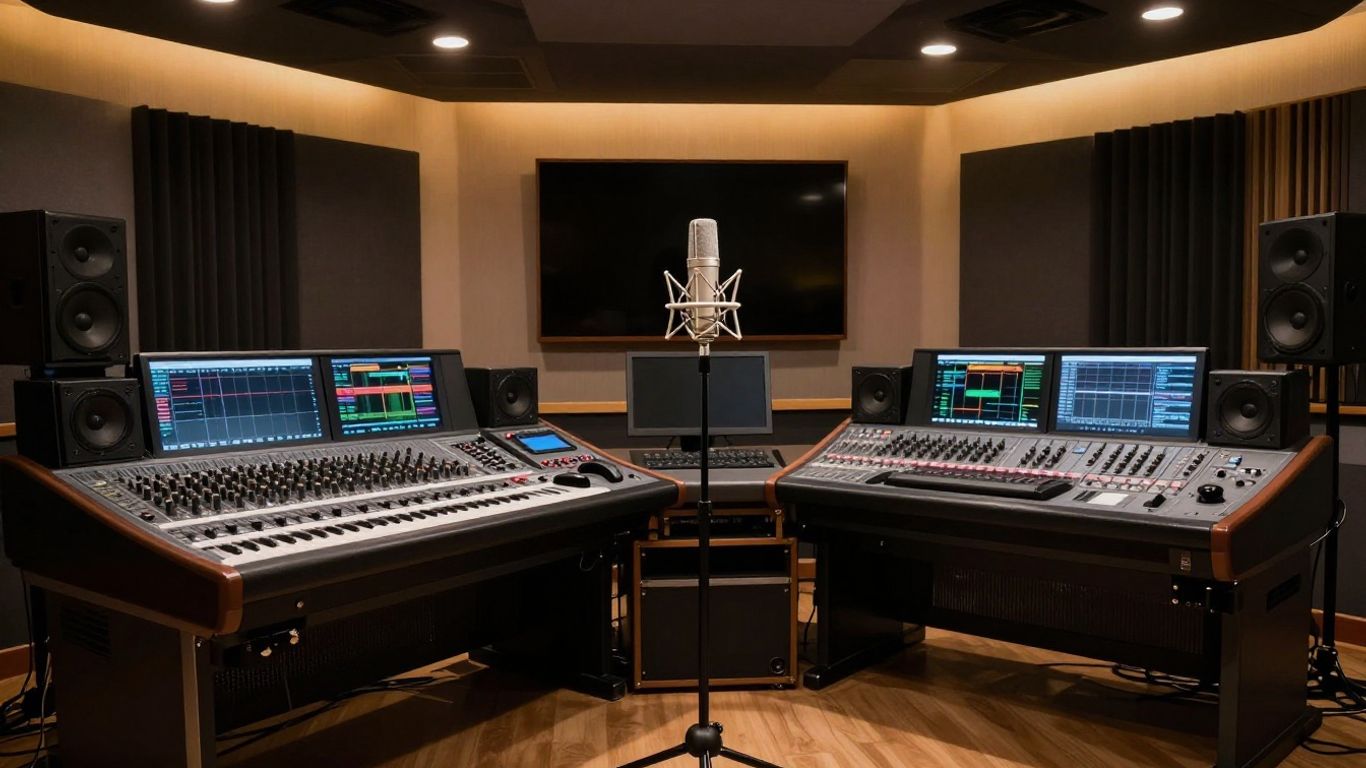
Suno is a platform that lets you create full songs just by typing in a description. You don’t need to be a musician to use it. Just tell it what kind of song you want, and it generates the music, lyrics, and vocals.
It’s pretty straightforward. You can get started quickly, and the results often surprise people with how good they sound. The vocals feel human-like, and the background music matches the mood you asked for. This makes it a good choice if you’re new to making music with AI or just want to experiment without a steep learning curve. You can even try out Suno AI for free.
Here’s a quick look at how it works:
- Describe your song: Type in your idea, genre, mood, or even just a few keywords.
- AI generates: Suno creates the music, lyrics, and vocals.
- Listen and refine: Hear the song and make minor adjustments if needed.
While Suno is great for generating complete songs easily, it might not give you the fine-grained control over individual instruments or vocal nuances that some advanced users might want. It’s more about quick creation than deep customization.
7. Udio
Udio is a strong contender in the AI music generation space, often compared directly to Suno. It focuses on creating high-quality music from text prompts, giving you more control over the final output than some other platforms.
You can input your own lyrics or let Udio generate them for you. The platform also offers a custom mode for those who want to fine-tune specific aspects of the song. This includes adjusting how the AI handles lyric timing and overall clarity.
While beginners can stick with the default settings, experienced users will appreciate the advanced options. Udio provides a free plan that gives you 100 credits per month, plus an extra 10 daily credits. This is enough to experiment and create a good number of tracks.
Udio stands out for its balance of ease of use and detailed control, making it suitable for both quick creations and more involved projects.
Here’s a quick look at what Udio offers:
- Text-to-song generation: Create full songs from simple text descriptions.
- Lyric control: Use your own lyrics or let the AI write them.
- Custom mode: Fine-tune AI behavior for specific results.
- Free plan: Access 100 monthly and 10 daily credits.
8. Soundverse
Soundverse positions itself as a conversational AI assistant for music creation. You talk to it, and it learns your preferences over time. This approach aims to make generating original music feel more natural and less like inputting commands.
It offers AI Magic Tools to help turn your ideas into actual music. These tools include text-to-music, stem separation, and lyric generation. The goal is to speed up the process of bringing your creative visions to life. Soundverse wants to change how music is made, moving beyond traditional Digital Audio Workstations (DAWs).
Customers often mention the platform’s user-friendly design and the quality of the music it produces. It’s a solid choice if you’re looking for a straightforward way to create copyright-safe music for your content. You can explore their AI music generation features to see what it can do for you.
9. AIVA
AIVA stands for Artificial Intelligence Virtual Artist. It’s a platform that focuses on creating orchestral and cinematic music. If you’re looking for soundtracks for films, games, or even just epic background music, AIVA is a solid choice.
You can choose from over 250 different musical styles. This gives you a lot of flexibility to match the mood you’re going for. AIVA is particularly good at handling complex arrangements that sound professional and polished.
One of the standout features is the built-in MIDI editor. This lets you take the AI’s output and tweak it further. It’s great for musicians who want fine control over the final composition. You can adjust notes, timing, and instrumentation to get exactly the sound you want.
AIVA is designed to assist composers and musicians, not replace them. It handles the heavy lifting of arrangement and composition, freeing you up to focus on the creative direction.
While AIVA excels at orchestral and cinematic styles, it can also generate music in other genres. It’s a powerful tool for anyone needing high-quality, AI-composed music, especially for narrative or atmospheric purposes.
10. Boomy
Boomy is a straightforward platform if your main goal is to get your AI-generated music out there. You create a song, and then you can push it directly to streaming services like Spotify and TikTok. It’s designed to make the distribution process simple.
The real draw here is the potential to earn royalties. When people listen to your tracks on these platforms, you get paid. This opens up possibilities for artists who might not have a label deal.
Boomy also has a community aspect. You can share your tracks and get feedback from other creators. It’s a good way to connect and see what others are making. If you’re looking for a quick way to start distributing your AI music, Boomy is worth checking out. You can even use their Magic Start feature to quickly generate ideas.
Want to make cool music videos just by typing? Boomy makes it super easy! You can create awesome videos from your words without any fuss. Ready to try it out? Visit our website today and start making your own music videos!
Wrapping Up Your AI Music Journey
So, you’ve seen how AI can take your song ideas and turn them into actual tracks, complete with vocals, and even music videos. Tools like Creatus AI are making this easier by handling both song and video creation in one go, which is pretty neat. You don’t need to be a music producer or a video editor anymore. Whether you’re an artist looking to get your music out there, or just someone with a cool idea, these platforms offer a straightforward way to bring your vision to life. Give them a try and see what you can create.
Frequently Asked Questions
Can I really make a whole song and music video with AI?
Totally! Tools like Creatus AI let you type in your song idea, and the AI creates the music and even sings it. Then, it can turn that song into a music video automatically. You don’t need to be a music whiz or a video expert to do it.
Are these AI music tools hard to use?
Most of them are designed to be super easy. You usually just type what you want, like the genre or mood, and the AI does the heavy lifting. Some offer more controls if you want to tweak things, but you can get started without any experience.
Do I have to pay for these AI song makers?
Many offer a free way to try them out, so you can experiment without spending money. If you want more features or to use the music commercially, they usually have paid plans that start at pretty affordable prices, sometimes as low as $9 a month.
What’s the difference between tools like Suno and tools that make videos?
Some AI tools, like Suno and Udio, are amazing at just creating the music, including vocals, from text. Others, like Vidnoz or Creatus, focus on taking your audio and turning it into a music video. Creatus is special because it can do both parts – song and video – in one go.
Can I use the music I make with AI for my own projects, like on YouTube?
You usually can, but you’ll want to check the specific platform’s terms. Many offer free tiers for personal use, and their paid plans often give you rights for commercial use, like in your videos. Just be sure to read the fine print for each tool.
Will AI music sound good enough for my videos?
The technology has gotten really good! Many people can’t even tell the difference between AI-made music and music made by humans. The quality is often high enough for social media, YouTube, or just for fun, especially with tools that focus on good vocals and matching visuals.